The biggest fear most business owners have about automating customer support is this: "What if it makes my customers feel like they're talking to a machine?" It is a legitimate concern — and one that badly designed automation systems have made worse over the years.
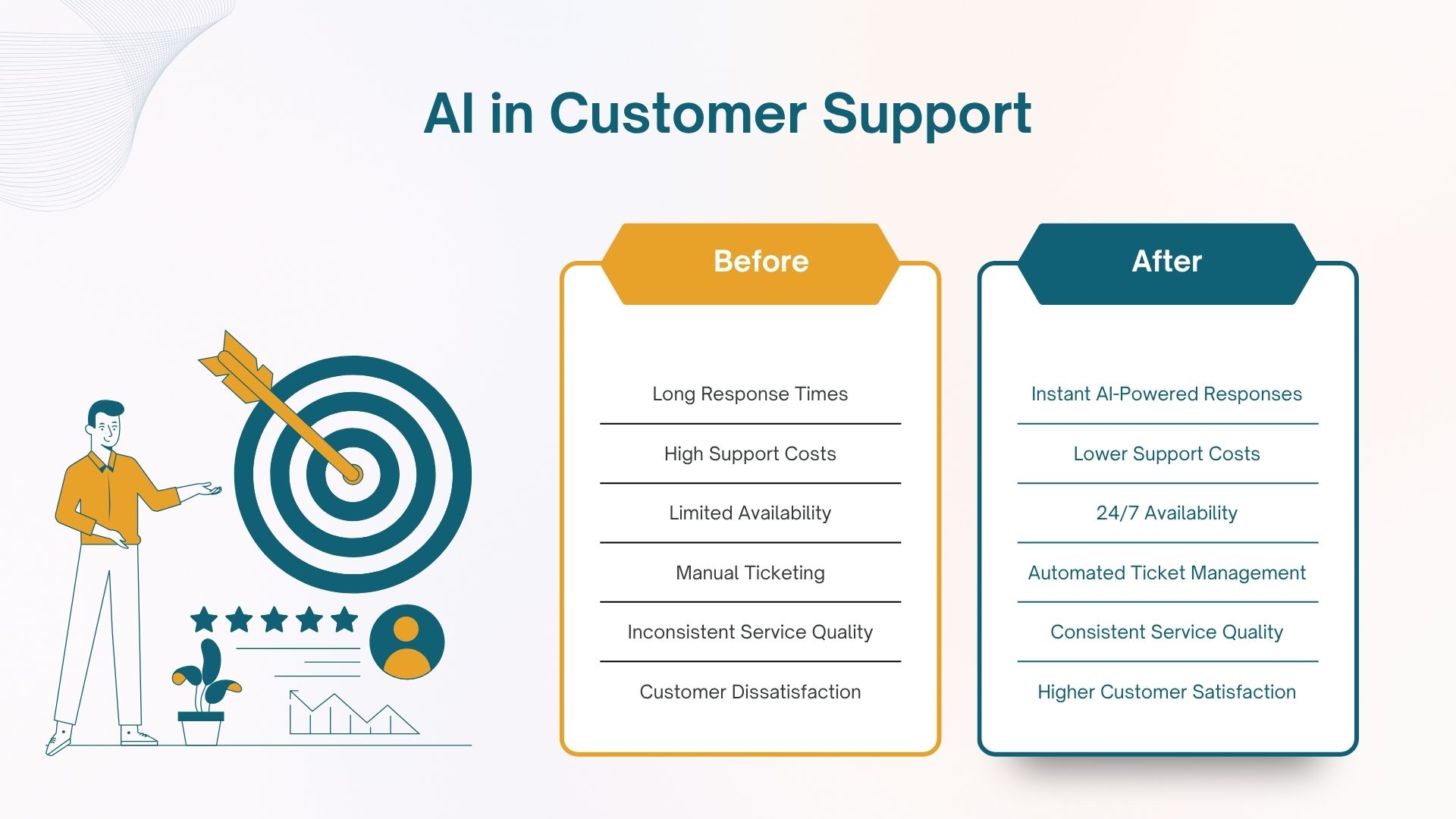
But the fear is not about automation itself. It is about bad automation. Done well, automated customer support actually feels more responsive, more helpful, and more consistent than an overstretched human team trying to handle 200 messages a day.
This guide explains how to automate the right parts of customer support while keeping the human element exactly where it matters.
What to automate and what not to
The starting point is not "how do I automate everything" but "which conversations genuinely need a human and which ones do not?"
Automate these
- Order status and tracking
- Store hours and location
- Pricing and product information
- Return and refund policy
- Appointment booking
- Payment confirmation
- FAQ responses
- Lead qualification
Keep these human
- Complaints and escalations
- Unhappy or emotional customers
- Complex, unique situations
- High-value sales conversations
- Sensitive or personal matters
- Situations requiring judgment
- Relationship-building moments
The pattern is clear: automate the predictable, repeatable, information-based interactions. Keep humans for conversations that require empathy, judgment, or relationship management.
How to make automation feel human
The difference between automation that frustrates customers and automation that actually serves them well comes down to five things:
1. Write conversationally, not formally
Most automated messages feel robotic because they are written in formal, corporate language. "Your query has been received and will be addressed within 24 business hours" sounds like a machine. "Got it! We'll look into this and get back to you by tomorrow morning" sounds like a person. The information is the same — the tone makes all the difference.
2. Use the customer's name
Personalisation is simple and effective. An automated message that starts with "Hi Rahul" feels fundamentally different from one that starts with "Dear Customer." Every modern automation platform can insert the customer's name automatically.
3. Acknowledge before answering
Humans do not jump straight to answers — they acknowledge first. "That's a great question" or "I understand how frustrating that must be" before giving information makes the interaction feel less transactional. Build this into your bot's response templates.
4. Make escalation easy and fast
Nothing destroys trust faster than a customer who needs a human and cannot reach one. Every automated interaction should have a clear, easy path to a human agent. "Would you like me to connect you with our team?" should always be available as an option.
5. Do not pretend to be human
Counterintuitively, transparency builds more trust than deception. When customers know they are talking to an automated system that is genuinely helpful, they accept it. When they discover they were tricked into thinking it was human, they feel manipulated. Be honest about what the bot is — just make sure it is genuinely useful.
Which channels to automate for Indian businesses
In India, customer support comes through multiple channels — and the right automation strategy looks different for each:
- WhatsApp — the primary channel for most Indian businesses. AI chatbots here handle the highest volume and deliver the best ROI. Customers are already on WhatsApp and comfortable with it.
- Website chat — works well for businesses with significant website traffic. Good for lead qualification and product queries.
- Phone — voice AI for inbound calls works particularly well for businesses in healthcare, hospitality, real estate, and financial services where phone remains the preferred contact method.
- Email — AI can draft suggested responses for your support team, dramatically reducing response time even when a human sends the final reply.
Most Indian businesses do not need to automate every channel at once. Start with WhatsApp — it is where the highest volume of queries comes from and where automation delivers results fastest. Add other channels once WhatsApp is running well.
How to measure if it is working
Automation that looks efficient on paper but frustrates customers is not actually working. Track these metrics:
- Resolution rate — what percentage of conversations are fully handled by the bot without needing a human? Higher is better, but 60-70% is a realistic target for most businesses.
- Escalation rate — how often do customers ask for a human? A very high escalation rate means the bot is not handling conversations well.
- Response time — automation should dramatically reduce average response time. Track this before and after.
- Customer satisfaction — send a short feedback request after resolved conversations. If automated interactions score poorly, the bot needs work.
- Agent time saved — measure how many hours your team was spending on support before automation and how that changes afterward.
Want to automate your customer support the right way?
We build AI-powered customer support systems for Indian businesses — WhatsApp bots, voice agents, and web chat solutions that feel genuinely helpful, not frustrating. Designed with proper human handoff built in.
Tell us about your requirements